Seedream 4.0
Seedream 4.0 helps you generate, edit, and combine images in one place. Create sharp, consistent visuals with fast results and simple multi-image controls.
No credit card required
Trusted by creators across design, fashion, and architecture.
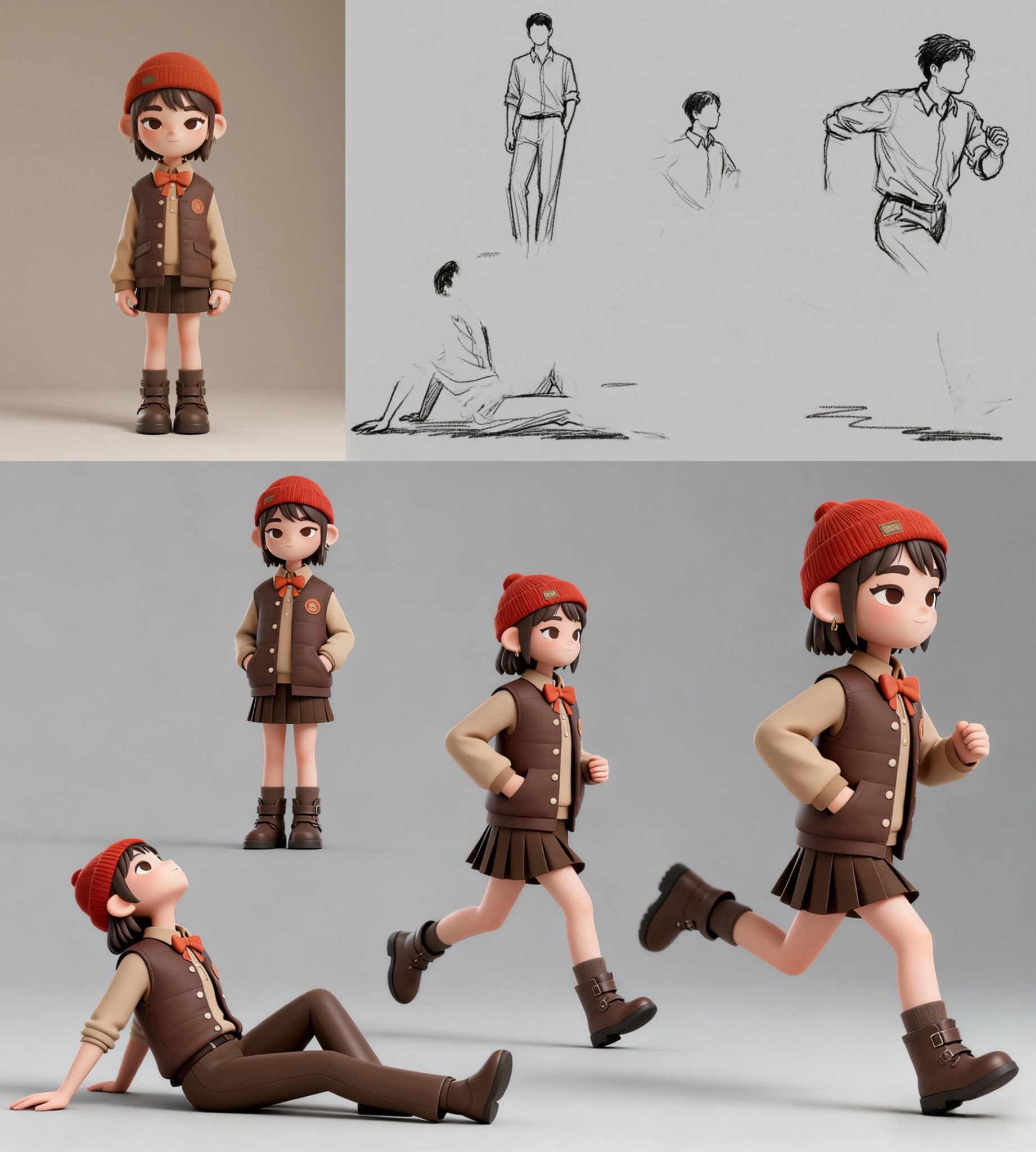
Explore Seedream 4.0 creations
See what you can make with Seedream 4.0. From fashion edits to comic panels and interior renders, these examples show its range across styles and scenes.

E-commerce Product Variants
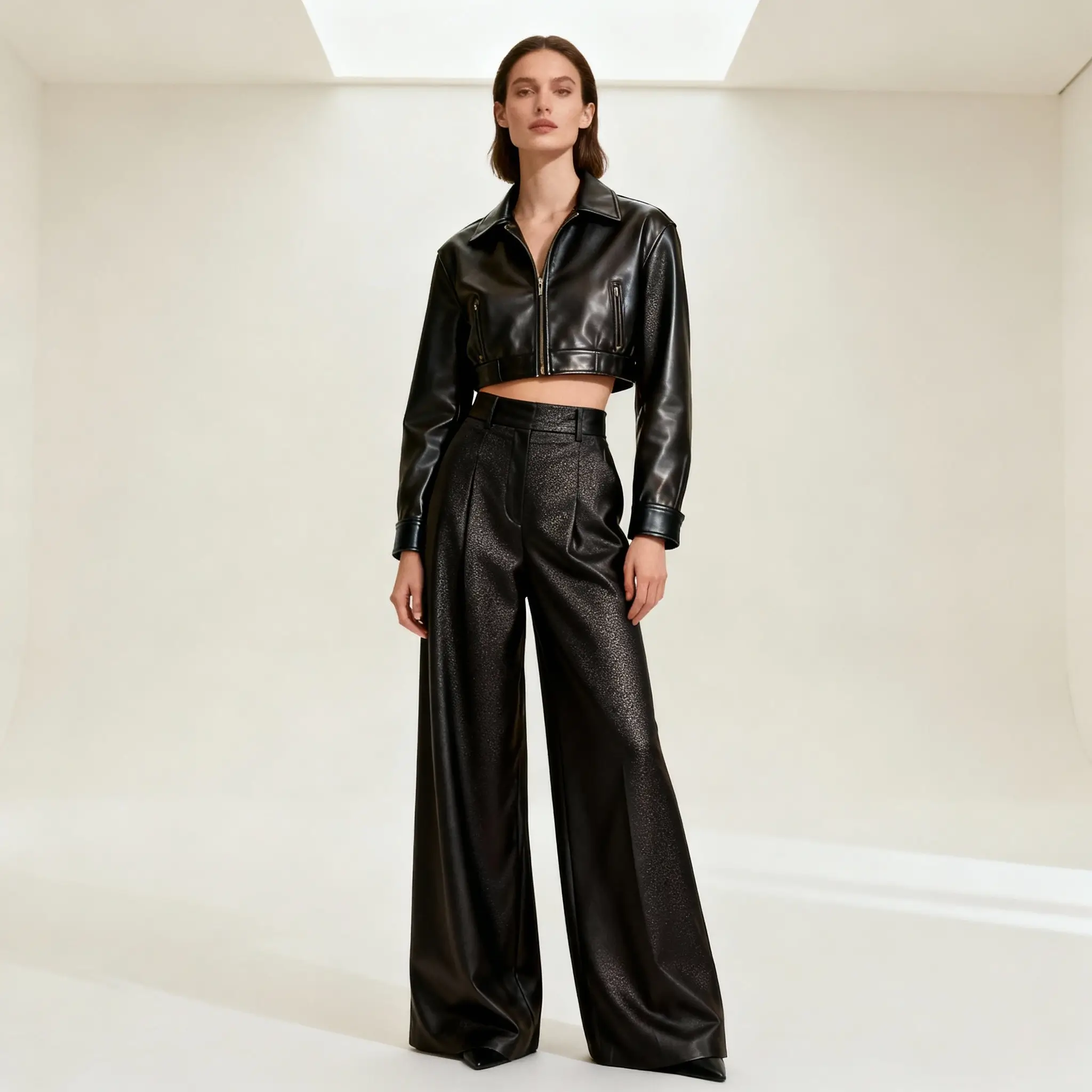
AI Fashion Lookbook
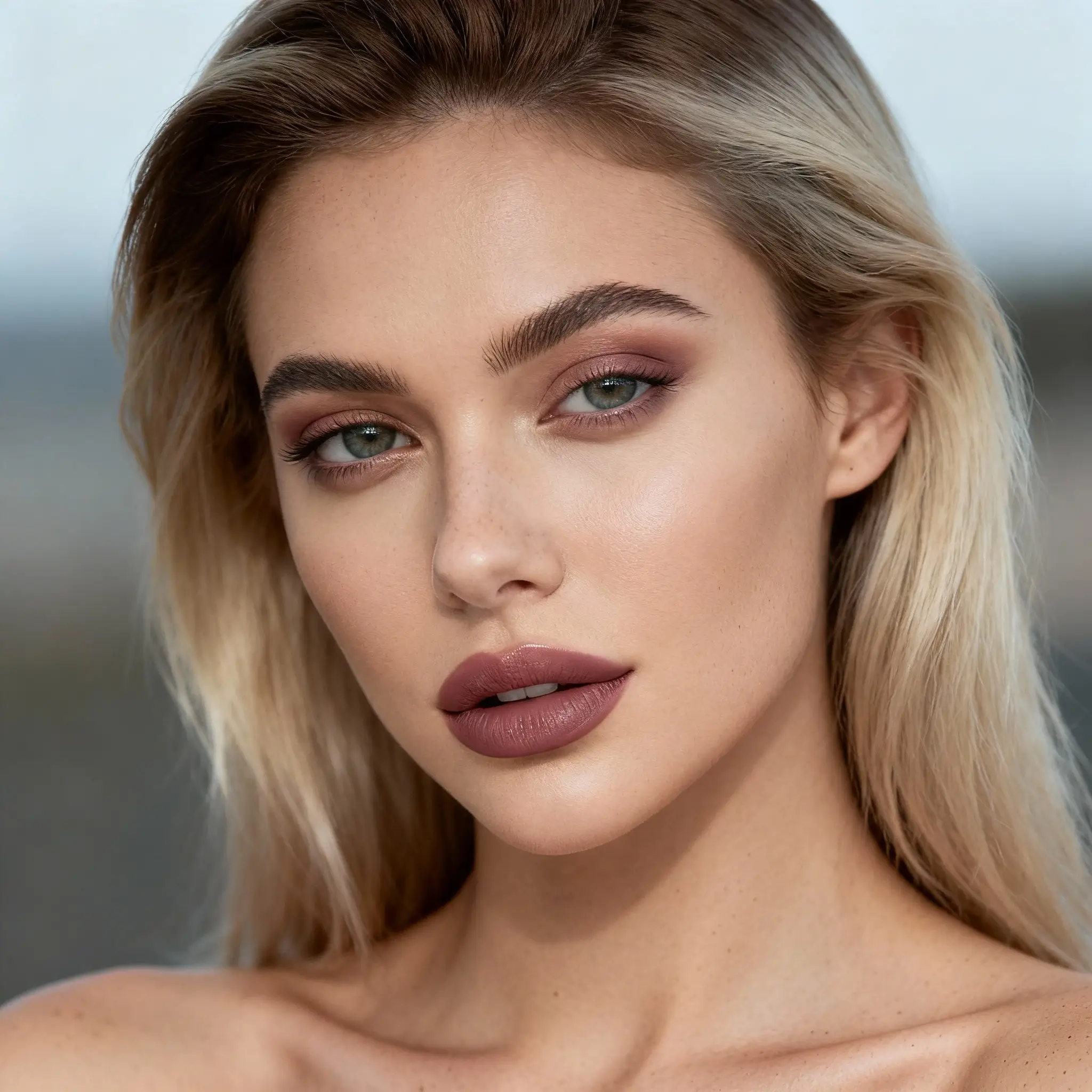
Digital Influencer Retouching Showcase
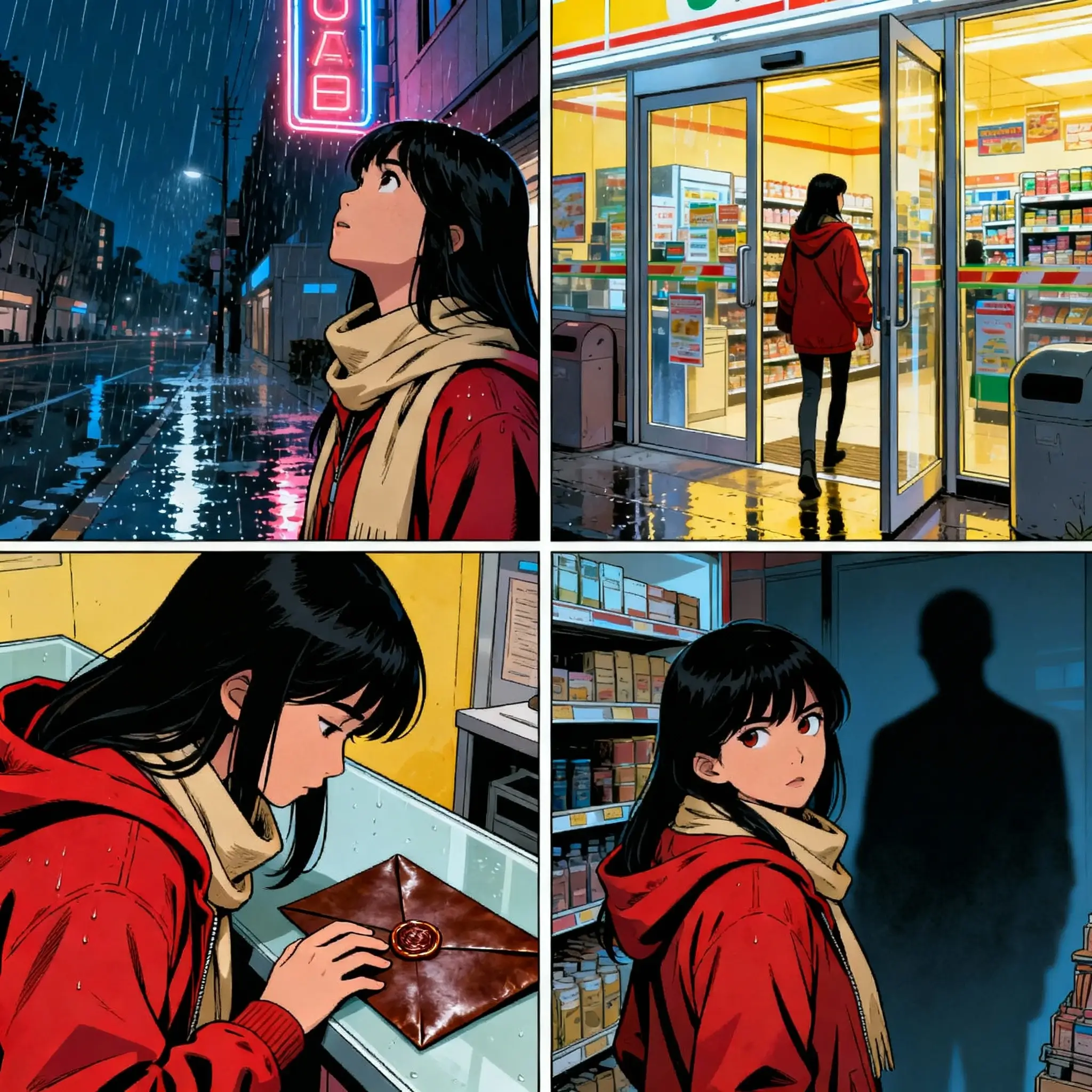
AI-Generated Graphic Novel Panels

Architectural Concept Renders

Ad Campaign Creative Suite
No credit card required
What is Seedream 4.0?
Seedream 4.0 is an AI image generator and editor that helps creators make, edit, and combine images in one workflow. It is built for designers, marketers, and teams who need clear visuals fast. You can create product images, posters, storyboards, interiors, and brand assets while keeping style and layout consistent.
Key features of Seedream 4.0
Seedream 4.0 focuses on speed, clarity, and consistency. Its core features help you move from idea to image with fewer steps. Each feature supports real creative work, from simple edits to complex layouts.

All-in-one image workflow
Create, edit, and compose images in one place. Seedream 4.0 combines text-to-image, image editing, and multi-image composition in a single model. This reduces tool switching and helps you stay focused on ideas instead of setup. It works well for both quick edits and full visual builds.

High-resolution image output
Generate images at up to 4K resolution for clear details and sharp edges. This makes Seedream 4.0 suitable for print designs, marketing visuals, and detailed mockups. Many users rely on this output quality for professional work where clarity and scale matter.

Fast image generation
Create 2K images in about two seconds. This speed helps you test ideas quickly and iterate without long waits. Seedream 4.0 fits well into active creative workflows where fast feedback matters, such as campaign design or concept reviews.
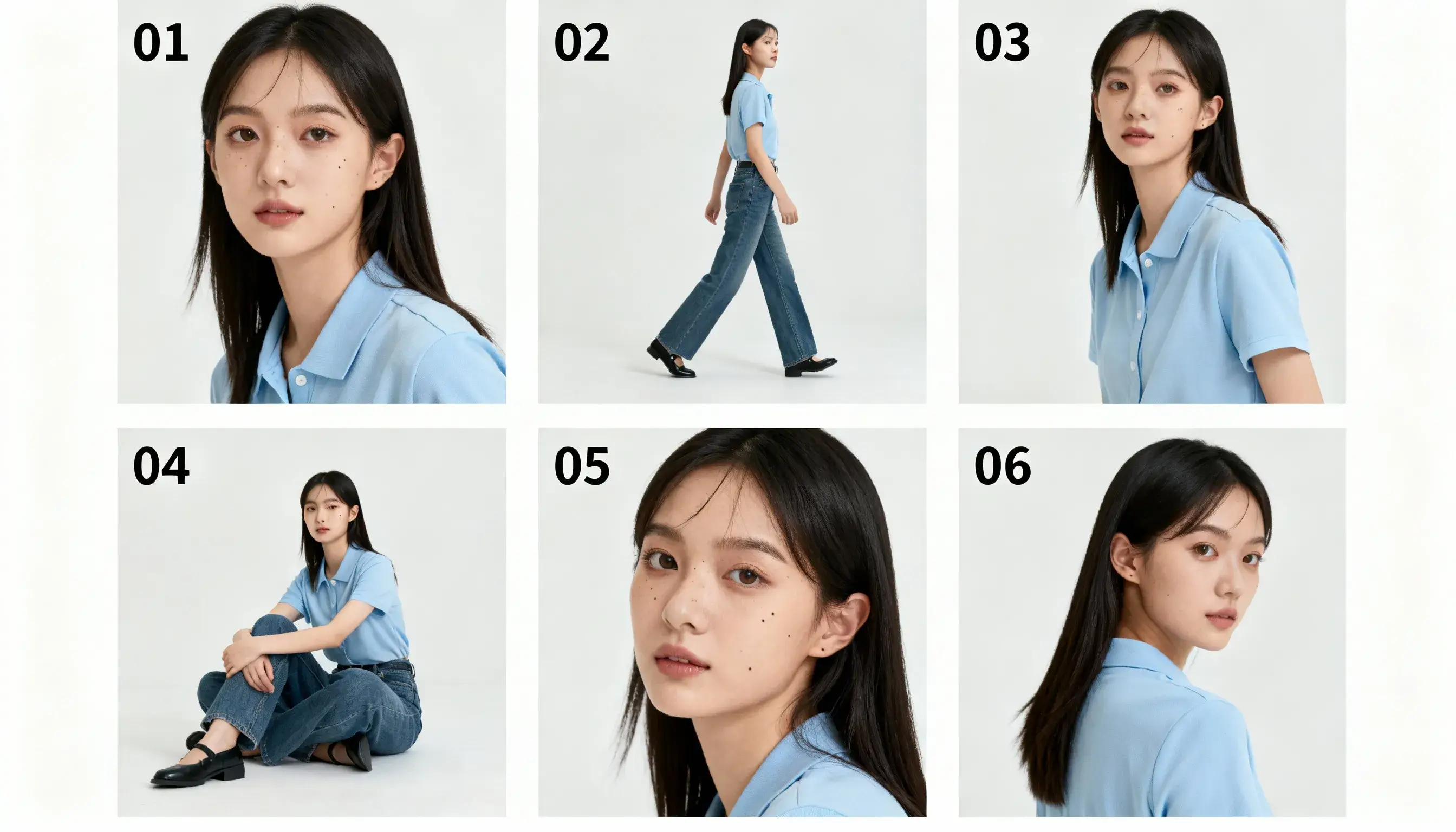
Consistent results with references
Guide image creation using multiple reference images. Seedream 4.0 supports several inputs to help keep characters, products, or layouts consistent. This is useful for lookbooks, comics, and brand sets where visual continuity is important across many images.
Clear text and layouts
Seedream 4.0 is often used for designs that include text and structured layouts. Many users notice improved clarity in posters, UI mockups, and packaging concepts. This makes it easier to create marketing visuals that are readable and balanced.
How Seedream 4.0 works
Seedream 4.0 makes it easy to turn ideas into images. Upload a prompt or reference images, choose your size, and get clear results in seconds—ready to use or refine.
Step 1 — Add your input
Write a short prompt or upload up to 10 reference images to guide the result. You can mix text, images, or both.
Step 2 — Choose size and settings
Pick from 1K to 4K resolution. You can also select basic controls to fine-tune style, layout, or subject details.
Step 3 — Generate and edit
Seedream 4.0 creates your image in seconds. You can use it as-is, or make quick edits before exporting or sharing.
Seedream 4.0 use cases
Seedream 4.0 supports many visual tasks. From product edits to comics and interiors, it helps teams build consistent, high-quality visuals fast—across industries and styles.
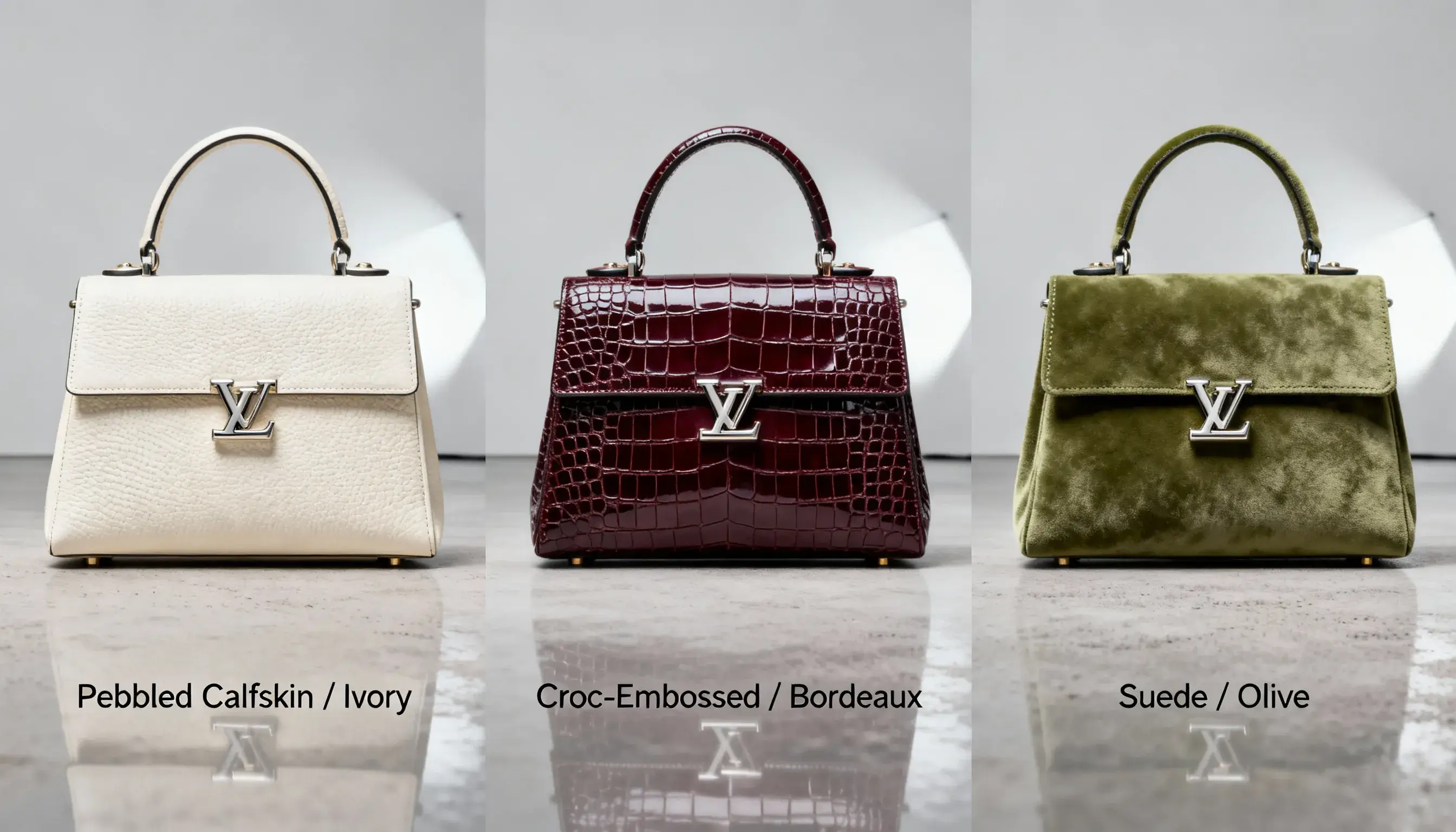
Virtual Product & Fashion Retouching
Edit fashion items, recolor products, or adjust hair and makeup while keeping the subject the same. Great for lookbooks, catalogs, or influencer content with a uniform visual style.
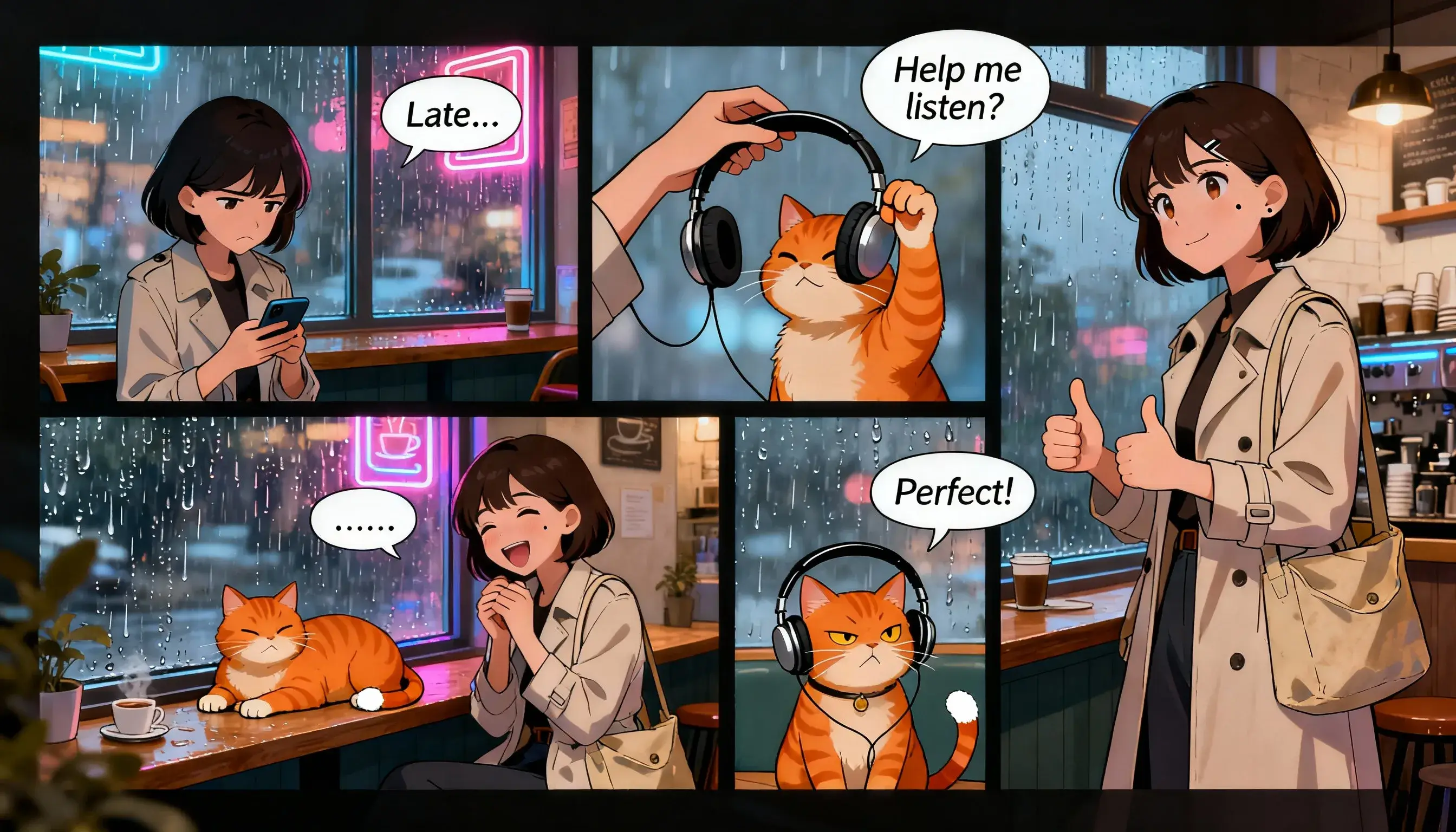
Sequential Storytelling & Comics
Create comic strips, storyboards, or multi-frame panels with the same characters and setting. Use multi-image input to keep faces, poses, or scenes visually aligned across pages.

Architecture & Interior Design Transformation
Transform spaces by swapping floors, lights, or finishes. Turn a sketch into a photo-style render or switch lighting from day to night—helpful for real estate and design previews.
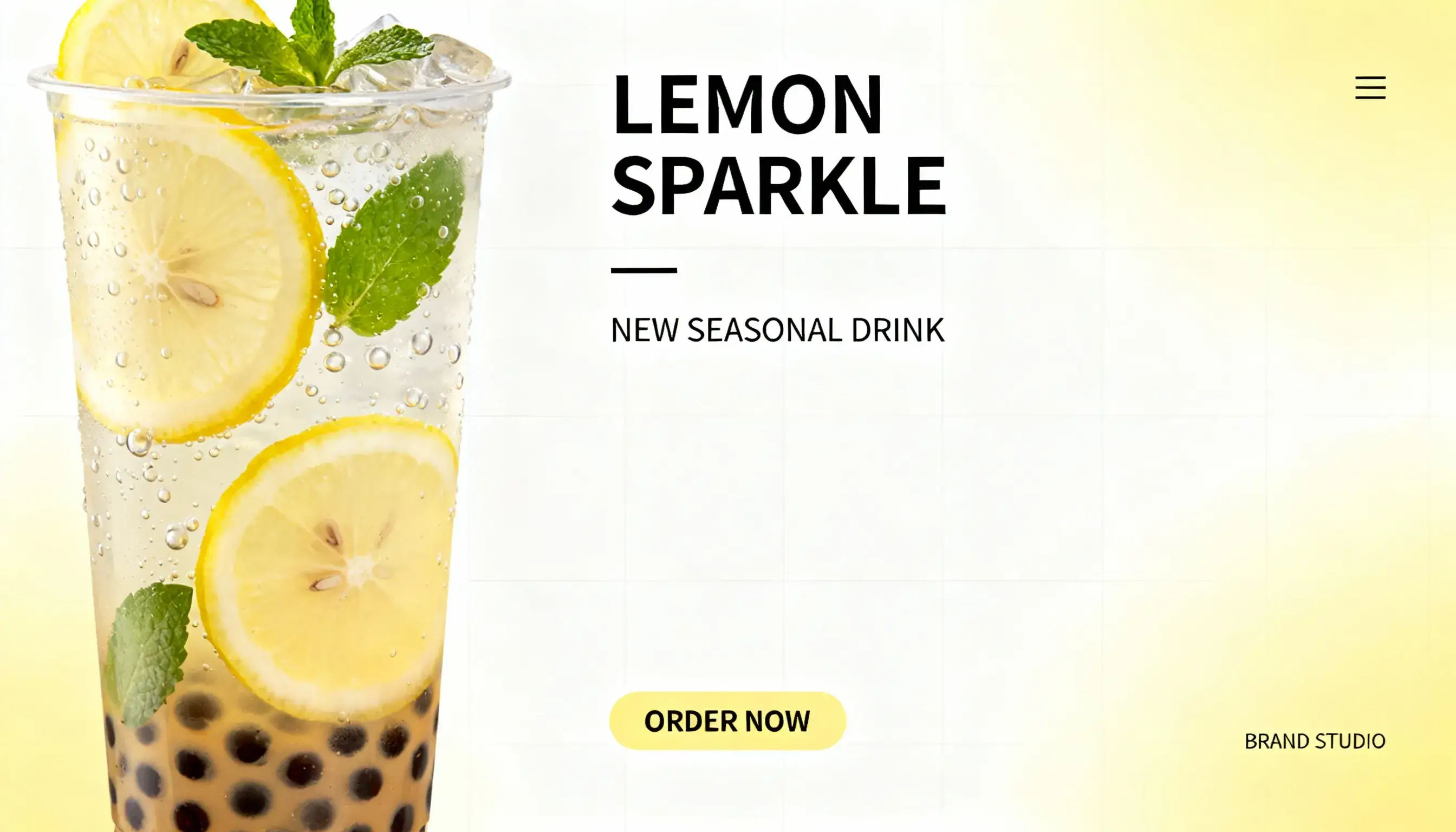
Brand Identity & Marketing Assets
Make posters, packaging, and ad banners with readable text and brand colors. Use Seedream 4.0 to build creative sets that stay true to your layout and visual identity.
What creators say about Seedream 4.0
Creators use Seedream 4.0 in real workflows, from fast mockups to detailed visuals. The feedback often highlights speed, clarity, and steady results across projects, without extra setup.
"We use Seedream 4.0 to build campaign visuals and test ideas fast. The images are clear, and the layout stays close to what we plan. It helps us move from draft to review with fewer revisions and less back-and-forth between tools."
"For lookbooks and outfit edits, Seedream 4.0 keeps the model consistent across images. I can swap colors or styles without starting over. That saves time and makes the final set feel more unified for clients and social posts."
"I use Seedream 4.0 to preview interiors and lighting ideas. It helps clients see changes quickly, like different floors or night scenes. The results are clear enough to guide early decisions before full 3D work begins."
FAQs about Seedream 4.0
Here are answers to common questions about Seedream 4.0. Learn what it can do, how to use it, and what to expect when generating and editing your images.
You can generate images from text, edit existing ones, or use multiple references to keep characters or designs consistent. It's helpful for design, marketing, fashion, and more.
Yes, Seedream 4.0 supports outputs up to 4K (4096×4096 px). This is useful for print projects, product shots, and other detailed visuals where resolution matters.
In most cases, Seedream 4.0 can generate a 2K image in about 1.8 seconds. Actual speed may vary based on the prompt and server load, but it's designed for fast feedback.
Yes, you can upload several images to guide the look and layout of your output. This is helpful for keeping characters or styles consistent across frames or scenes.
Seedream 4.0 focuses on image creation and editing. While some tools combine it with video models, it does not generate native video by itself. Check platform features for video support.
Get started with Seedream 4.0
Make, edit, or style your next image in minutes. Seedream 4.0 is ready when you are.
No credit card required